
How Many Facebook Ad Accounts Can You Have?
One on a personal profile, 1–5 on a new Business Manager, hundreds on a verified high-spend one. The limit is trust, not policy — here's the ladder and the fast lane.
Personal profile: 1 ad account, permanently. New Business Manager: 1–5. Verified BM with clean spend history: 25–75, growing to 250+ for established operations. Check yours in Business Settings → Business Info → 'Ad account creation limit.' The cap covers accounts you CREATE — access to accounts owned by others is unlimited (the agency/client pattern). It grows with business verification and sustained clean spending; it does NOT grow by asking without history. Need multiple high-limit accounts now? That's what agency ad accounts from whitelisted BMs exist for.
The real limits (and where they live)
Meta caps ad accounts per container, not per human. A personal profile gets exactly one ad account, forever. A Business Manager starts at 1–5 and grows with trust: business verification, clean payment history and sustained spend push the ceiling to 25, 75, then into the hundreds for established operations. You can see your current allowance in Business Settings → Business Info → "Ad account creation limit." Two things the limit is not: it's not negotiable by asking nicely with no history, and it's not the same as access — you can be granted roles on unlimited accounts owned by other BMs; the cap only covers accounts you create.
The ladder, tier by tier
The limit lives in Business Manager settings → Business Info. Meta raises it automatically with trust; you can also request increases through support once verified.
Why serious operators run multiple accounts at all
Legitimate reasons stack up fast: separation — different brands, products or geos each with their own account so billing, pixels and policy history don't tangle; client work — agencies need per-client accounts (owned by the client's BM, accessed by the agency's — the clean pattern); redundancy — a backup account with history means a review misfire doesn't stop spend for a week; and testing/scaling structure — some operators separate volatile testing from stable scaling at the account level. What is NOT legitimate: cloning accounts to dodge a ban or policy strike — Meta links identities aggressively (payment methods, domains, devices, admins), and circumvention attempts convert one dead account into a dead Business Manager.
When the ladder is too slow
The trust ladder takes months, and operators who need multiple high-limit accounts now — agencies onboarding clients, brands entering scaling season, teams rebuilding after a false-positive cascade — are exactly who agency ad accounts serve: accounts provisioned from established, whitelisted Business Managers (BM2500-class), with the trust, headroom and replacement cover already attached. Own BM as the long-term asset, agency accounts as the elastic operating layer — most scaled operations run both.
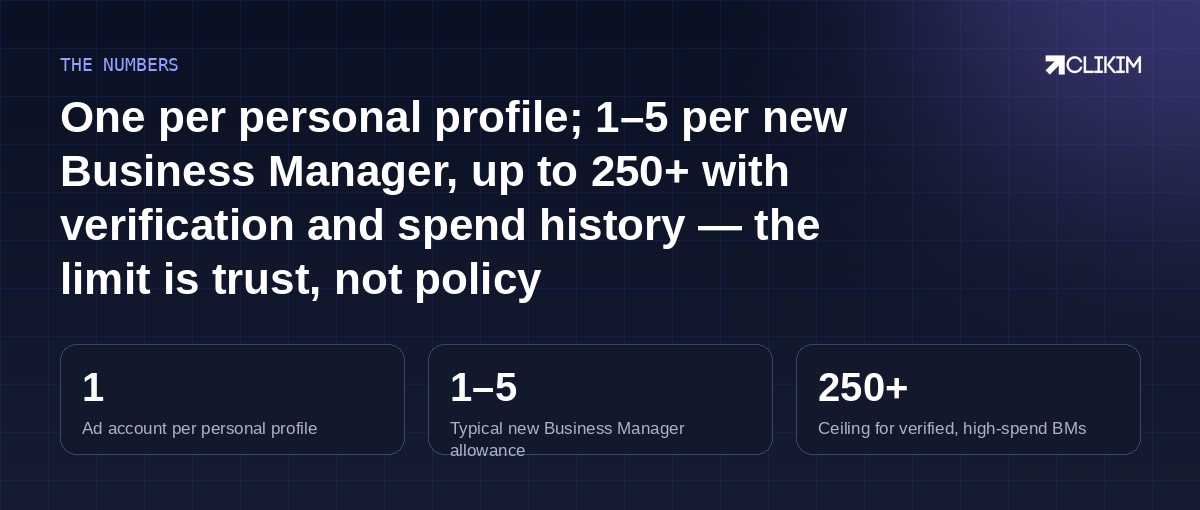
Access is unlimited; creation is trust-gated — and trust can be built or borrowed.
Frequently asked questions
Where do I see my ad account creation limit?+
How do I increase my ad account limit?+
Can I create a second ad account after a ban?+
Is it better to have multiple ad accounts or one big one?+
Can two Business Managers share one ad account?+
Do extra ad accounts cost anything?+
What's the difference between my limit and an agency's supply?+
The ladder takes months — the shortcut takes a day
Managed whitelisted access on BM2500-class infrastructure: provisioned fast, no caps, replacement cover included.