
Can You Run Facebook Ads Without a Facebook Page?
Short answer: the Page is required — but it's an ID card, not a media property. Zero posts, zero followers, 15 minutes of setup, and one defensive rule that actually matters.
No for practical purposes — every meaningful format (feed, video, Stories, Reels) requires a Page as the ad's identity. But the Page needs almost nothing: real name, logo, category, connected to your Business Manager. Zero posts and zero followers work fine — delivery is decided by targeting, creative and bid, not Page popularity. The one real risk is defensive: Pages carry feedback scores and policy history, and a restricted Page stops your ads cold. Set it up in 15 minutes, keep it compliant, spend your energy on creative.
The direct answer
Practically, no — every ad format worth running (feed, video, Stories, Reels, Advantage+ placements) requires a Facebook Page as the ad's identity: the name and avatar the ad appears "from." The narrow exceptions — some right-column desktop placements and certain boosted-Instagram flows — are formats you wouldn't build a strategy on. So the real question isn't whether you need a Page; it's what the Page actually has to be — and the answer is far less than most beginners fear.
What the Page needs (and doesn't)
Needs: a real business name, a clean profile image (your logo), a category, and basic completeness — plus admin access connected to your Business Manager and ad account. That's genuinely it. Doesn't need: followers, posting history, organic engagement, or a content calendar. Ads run identically from a Page with zero posts and 12 followers as from one with 100k — delivery is decided in the auction by your targeting, creative and bid, not by Page popularity. Plenty of eight-figure ad operations run from Pages that have never organically posted.
One nuance worth respecting: Page quality still matters defensively. Meta tracks Page-level feedback scores and policy history, and a restricted Page takes your ads down with it regardless of how good the account is. Treat the Page as compliance surface: accurate info, no banned-category signals, and customer feedback handled (especially for ecommerce, where negative delivery feedback scores throttle reach).
The 15-minute advertising-ready setup
Create the Page inside Business Manager (not a personal profile's "create page" flow), name it consistently with your website and legal entity, upload the logo, set the category and website link, and assign it to your ad account. Add two or three simple posts if you want the profile to look inhabited when ad-clickers inspect it — many do — but treat that as conversion-rate polish, not a requirement. Then leave it alone and put the effort where performance actually comes from: creative that clears CTR benchmarks and an account with room to test. On Instagram, you can run ads from the connected Page identity without any Instagram account at all — Meta renders a shadow identity — though a real handle converts marginally better.
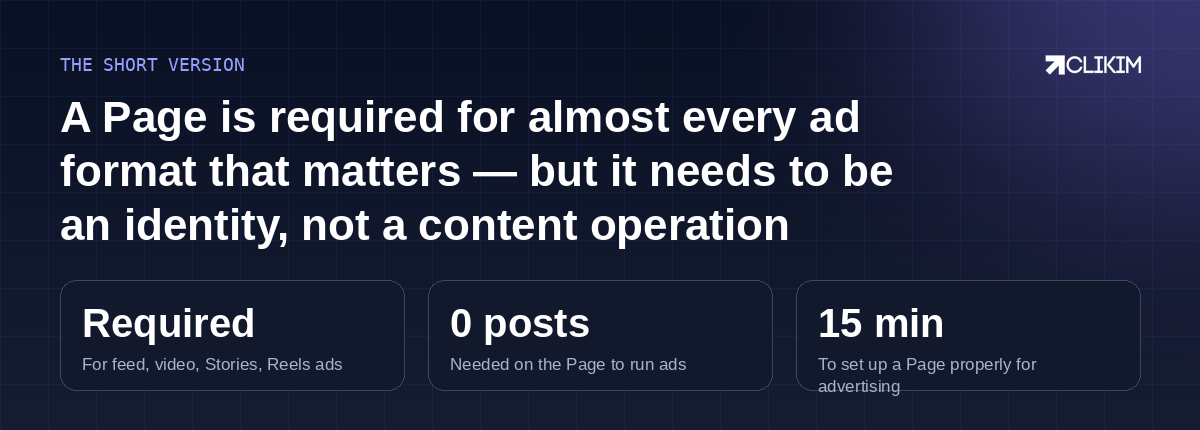
The Page is an ID card, not a media property — set it up once, keep it clean, spend your energy on creative.
Frequently asked questions
Do I need followers on my Facebook page to run ads?+
Can I run ads from my personal Facebook profile?+
Do I need an Instagram account to run Instagram ads?+
Should I post content on the Page before advertising?+
Can my Page get restricted and stop my ads?+
Does the Page name have to match my ad account or website?+
Page sorted in 15 minutes — account next
Whitelisted infrastructure: no spend caps, no trust ramp, replacement cover if a review ever misfires.