
Snap Pixel + Conversions API: The Setup That Decides Your Results
Snapchat’s delivery is machine-learned end to end, which means your results are downstream of one thing: the conversion signal you feed it. This is the complete tracking build — Snap Pixel, Conversions API, deduplication, verification — written so a competent operator can go from nothing to trustworthy signal in an afternoon.
Install the Snap Pixel sitewide, add the Conversions API for the money events, and deduplicate the two with a shared event_id.
Order of operations: create the pixel in Events Manager → base code on every page (or the Shopify/partner integration) → PURCHASE, ADD_CART, SIGN_UP events with values → CAPI via your commerce platform, server-side GTM or a tracker → verify in Test Events before spending.
Then optimize toward the deepest event with volume. Weak signal is the number-one reason Snapchat campaigns “don’t work” — the auction is fine; it just can’t see your conversions.
Why tracking decides Snapchat performance
Snapchat’s ad system stopped being a reach machine years ago. Delivery, bidding and audience selection are driven by conversion models — the platform finds people who look like your converters. That sentence contains the whole strategy: if it can’t see your converters, it can’t find more of them.
Browser-side tracking alone can’t carry that job anymore. iOS privacy changes, ad blockers and cookie decay mean a pixel-only setup underreports — and every unreported purchase is a training example your account never gets. The fix is the same architecture every serious platform converged on: browser pixel + server-side Conversions API, deduplicated, with real values attached.
The payoff isn’t just reporting accuracy. Better match rates compound: more attributed conversions → better optimization → cheaper delivery → more conversions. Buyers who fix tracking routinely describe it as the single change that made Snapchat “start working” — the auction didn’t change, the signal did.
Installing the Snap Pixel
The Snap Pixel is created and managed in Events Manager inside Snapchat Ads Manager:
- Create the pixel — Events Manager → New Event Source → Web. One pixel per business, not per campaign.
- Install the base code — in the site
<head>on every page, or via integrations: the Shopify app handles base + commerce events, and Google Tag Manager has a Snap Pixel template for everyone else. - Confirm it fires — the Snap Pixel Helper browser extension or the Test Events tab should show PAGE_VIEW from every template of your site.
Skip nothing here. A pixel installed on the landing page but missing from the checkout domain is the classic silent failure — everything looks fine while the only event that matters never fires.
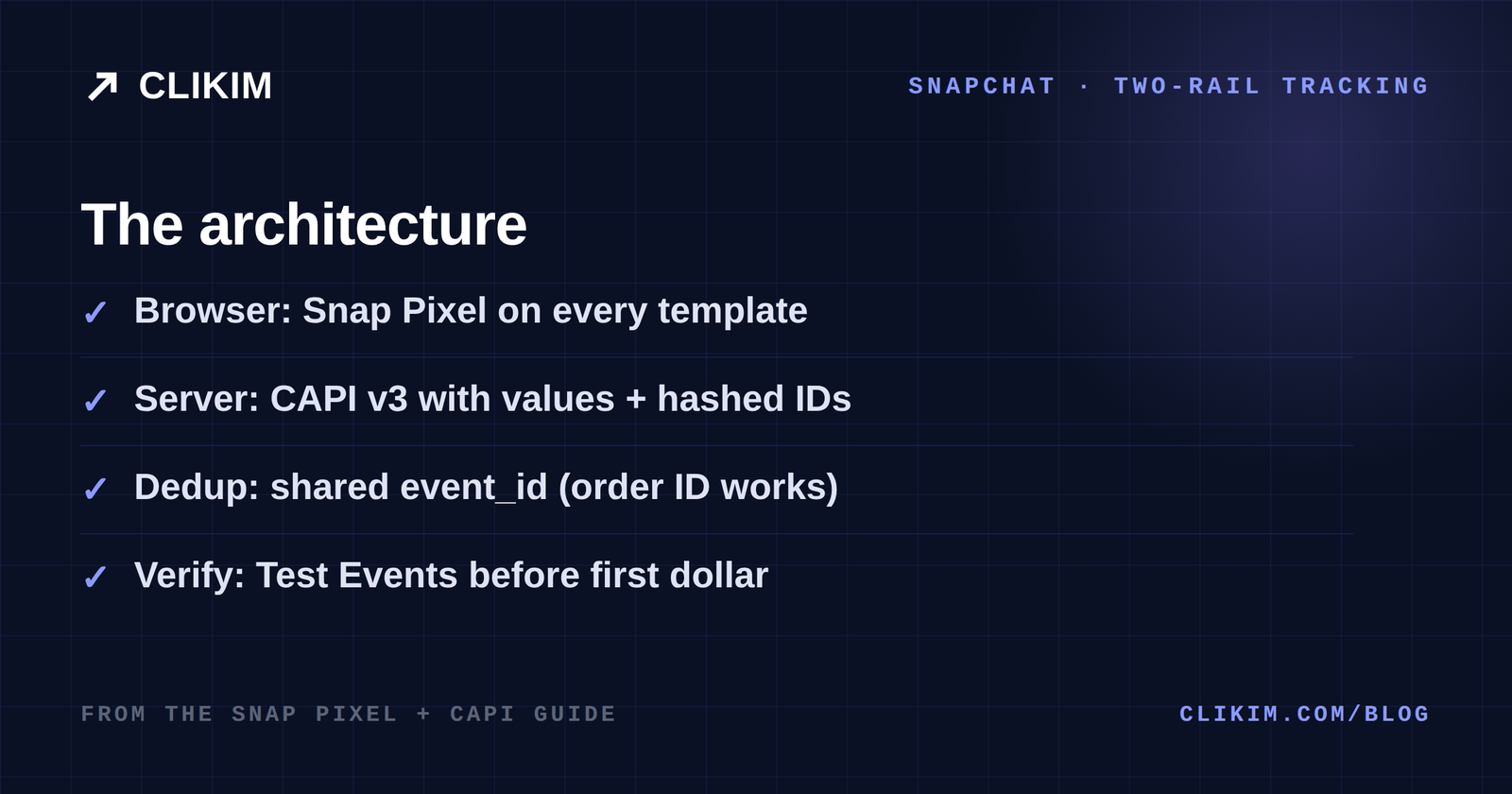
The two-rail architecture: browser pixel for coverage, server events for reliability — deduplicated into one truth.
The events that actually matter
| Event | When | Why it matters |
|---|---|---|
| PURCHASE | Order confirmed | The money event — always with price and currency |
| START_CHECKOUT | Checkout begins | Mid-funnel optimization + retargeting pools |
| ADD_CART | Item added | Volume event for young accounts that lack purchases |
| SIGN_UP | Lead/registration | The lead-gen money event — post it server-side too |
| VIEW_CONTENT | Product page view | Audience building; cheap signal for prospecting |
Five events cover 95% of commerce and lead-gen builds. Everything else is decoration until these are truthful.
Attach identifiers wherever you lawfully can — hashed email (uem) and phone on sign-up and purchase events lift match rates materially, because Snapchat can join the event to a logged-in user instead of guessing from a cookie.
Adding the Conversions API
The Conversions API posts the same events server-to-server, immune to blockers and browser decay. Three routes, in order of effort:
- Commerce platform integrations — Shopify’s integration sends CAPI events alongside the pixel with deduplication handled. If you’re on Shopify, this is an hour, not a project.
- Server-side Google Tag Manager — the Snap CAPI tag on your sGTM container reuses the dataLayer you already maintain; the right choice for teams already running server-side tagging.
- Direct API / tracker integrations — Snapchat’s CAPI endpoint takes signed requests with your pixel ID and access token; affiliate trackers and CDPs (RedTrack, Voluum-class tools, Segment-style pipelines) ship native connectors. Post the money events at minimum.
Whichever route: send the same event names as the browser, with values, identifiers, and — critically — the same event_id per conversion.
Deduplication: one sale, one event
When pixel and CAPI both report, Snapchat deduplicates by event_id: same pixel, same event name, same ID within the window = counted once. Generate the ID once per conversion (order ID works perfectly) and pass it to both rails.
Get this wrong in either direction and your account learns fiction: missing dedup double-counts purchases (inflated ROAS, over-aggressive spend), while posting only CAPI without the pixel forfeits the browser context that helps matching. The audit is simple: for one test order, you should see exactly one counted PURCHASE with both a browser and a server source attached.
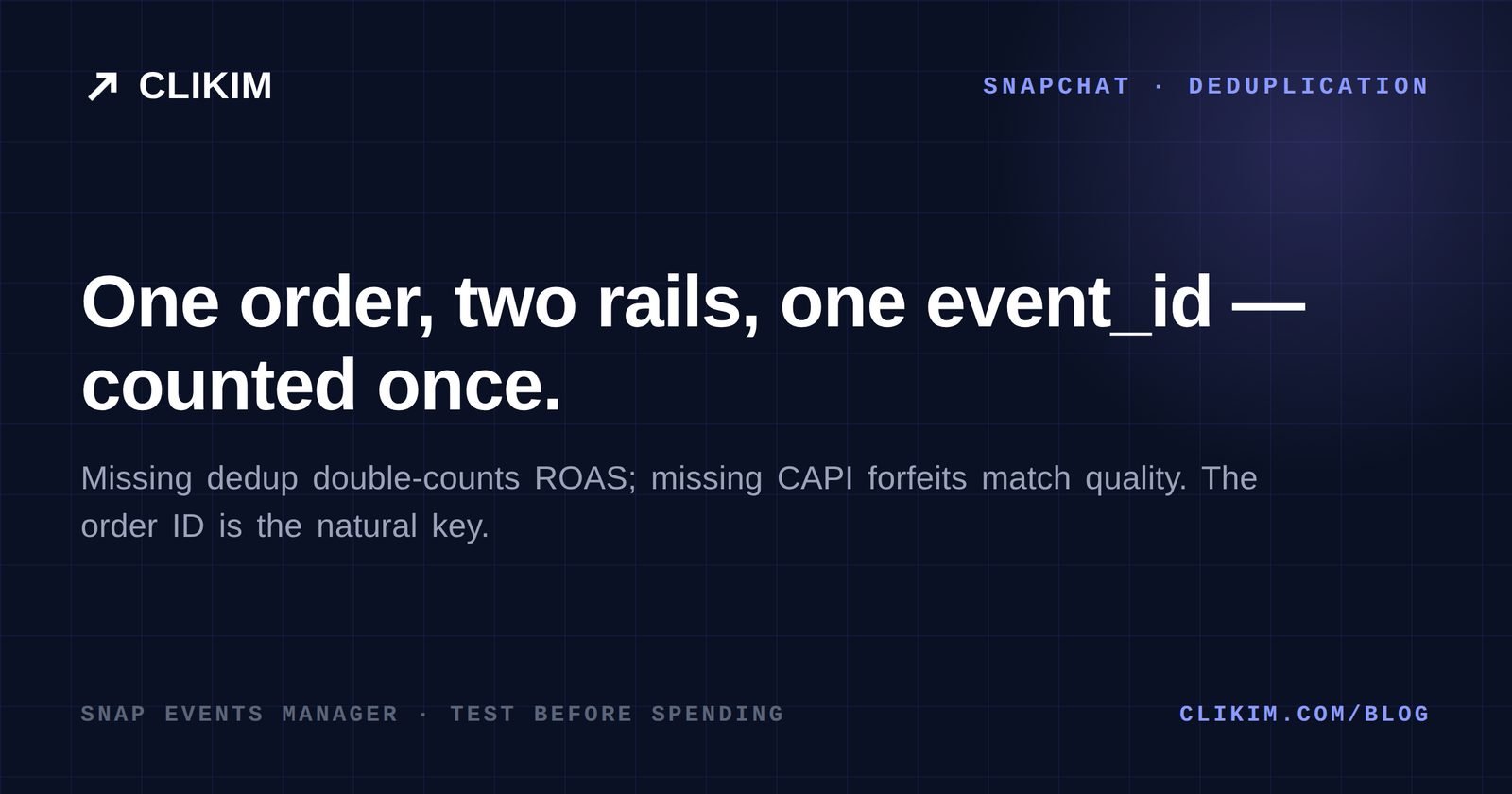
One order, two rails, one shared event_id — counted once. Order ID is the natural key.
Testing before you spend
Events Manager’s Test Events tab is the pre-flight check. The sequence that catches nearly everything:
- Load every page template — PAGE_VIEW should fire on all of them, once each.
- Run a real test purchase — confirm PURCHASE arrives with the right value and currency, from both sources, deduplicated to one.
- Check identifier coverage — events should carry hashed email on the flows where users are known.
- Leave a canary — a weekly glance at event volume vs your backend catches silent breakage; a widening gap is a tag that died in a theme update.
Ten minutes of this before launch is worth more than any bidding tactic you will ever apply.
Signal strategy: windows and optimization
With clean signal flowing, two decisions remain.
Optimization event: optimize toward the deepest event with real volume — purchases if you have dozens weekly, a step up-funnel if you don’t, moving deeper as volume grows. Optimizing a five-purchase-a-week account toward PURCHASE starves the model; optimizing toward ADD_CART and letting the funnel convert is often the faster route to the same revenue.
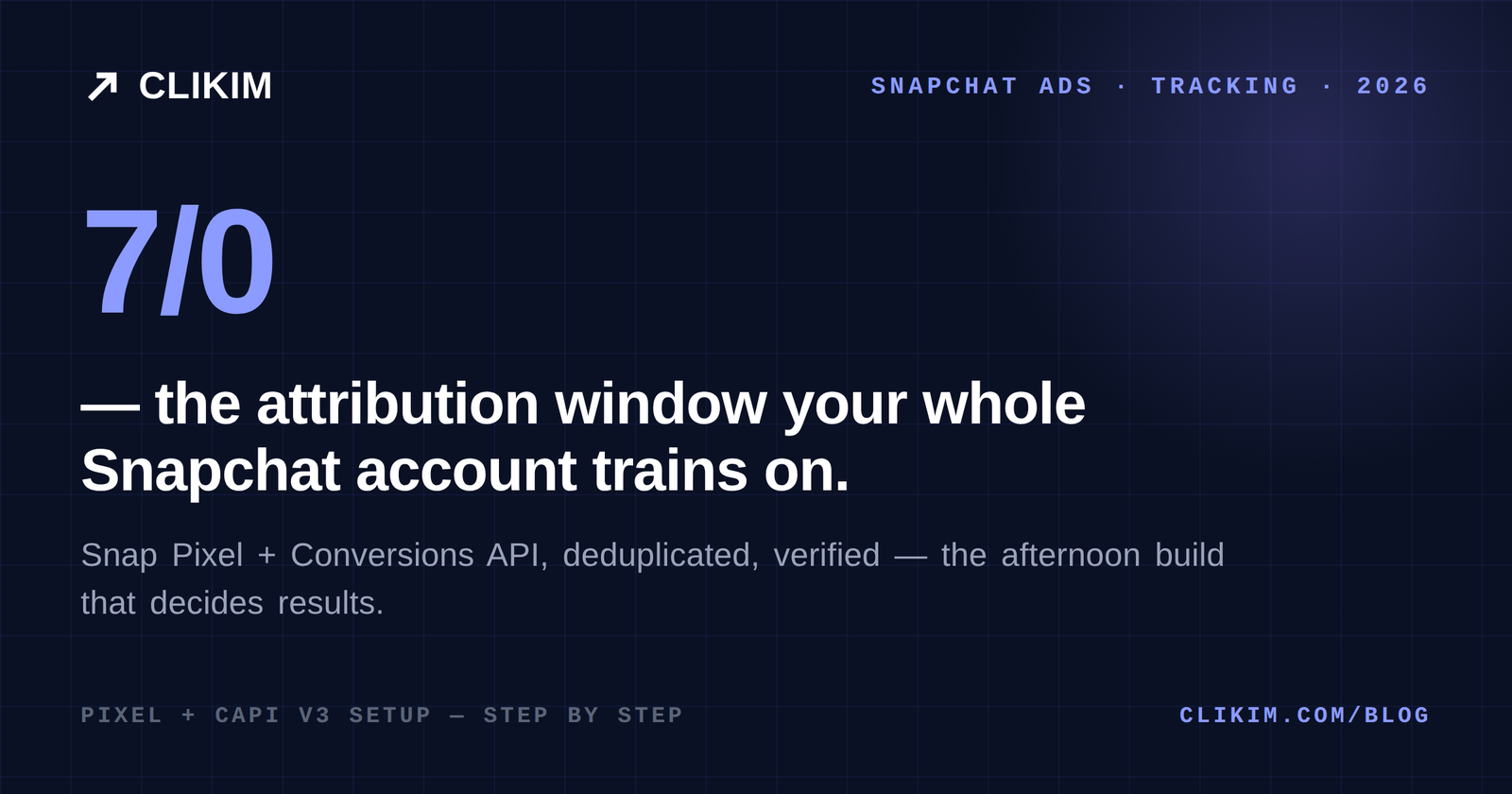
Attribution window: Snapchat’s default swipe-based windows can be tightened, and the setting performance buyers converge on is 7/0 — seven-day click, zero-day view. It trains the model on people who actually acted on your ad rather than anyone who scrolled past it. Tighter windows report smaller numbers and build stronger accounts; decide which one you’re managing for.
From there, the platform’s automation — goal-based bidding toward purchases, value optimization where volume allows — finally has something honest to learn from. Give the account its budget math, creative built for the placement (formats guide), and judge on cost per outcome over weekly windows.
The five failures that account for almost every broken setup
When Snapchat tracking misbehaves, it is nearly always one of these — check them in order before rebuilding anything:
- Checkout on a different domain than the pixel. The landing pages fire, the order confirmation doesn’t. Install the base code on every domain in the funnel and re-test the full purchase path.
- Values missing or mislabeled. PURCHASE without
priceandcurrencyblocks value optimization entirely and makes ROAS columns fiction. One test order tells you immediately. - Duplicate rails without a shared
event_id. Symptom: platform reports roughly double your backend. Fix the ID generation, not the budget. - Consent tooling silently blocking the pixel. EU traffic with a consent banner that never re-fires tags after acceptance shows as a geographic hole in your events. Test as an EU visitor who accepts.
- Theme or app updates removing the tag. The slow leak: events halve one Tuesday and nobody notices for a month. The weekly canary check exists for exactly this.
A useful discipline from the bigger platforms transfers directly: treat platform-reported conversions vs backend truth as a monitored ratio. Stable gap — structural, fine. Widening gap — plumbing, fix it this week.
A worked build: zero to trusted signal in an afternoon
Hour one: pixel created in Events Manager, base code deployed via GTM to every template, Pixel Helper green on all of them. Hour two: commerce events wired — VIEW_CONTENT, ADD_CART, START_CHECKOUT, PURCHASE with values — and a test order placed to confirm the money event.
Hour three: CAPI connected through the platform integration, the same test order repeated, Test Events showing one deduplicated PURCHASE with two sources. Hour four: hashed-email identifiers confirmed on sign-up and purchase, attribution set to 7/0, a calendar reminder created for the weekly canary check.
That afternoon is the highest-ROI work available on this platform. Every dollar you spend afterward buys training data instead of guesses — and every guide in this cluster assumes you’ve done it.
Frequently asked questions
Do I need both the Snap Pixel and the Conversions API?+
Where do I find my Snap Pixel ID and access token?+
Why does Snapchat report fewer conversions than Shopify?+
What is 7/0 attribution on Snapchat?+
Can I run Snapchat ads without a pixel?+
Does this setup work for lead generation too?+
Signal wired — now give it an account that can spend
Managed Snapchat infrastructure through Clikim: funded balances, real spending headroom and a rep who answers — so the signal you just built trains an account that scales.