
Why Is My Facebook Ad Account Spending Limit So Low?
Capped at a few hundred a day and can't scale? There are two different Facebook spending limits people confuse. Here's how to tell which one you're hitting, how to raise it, and the way around the ceiling entirely.
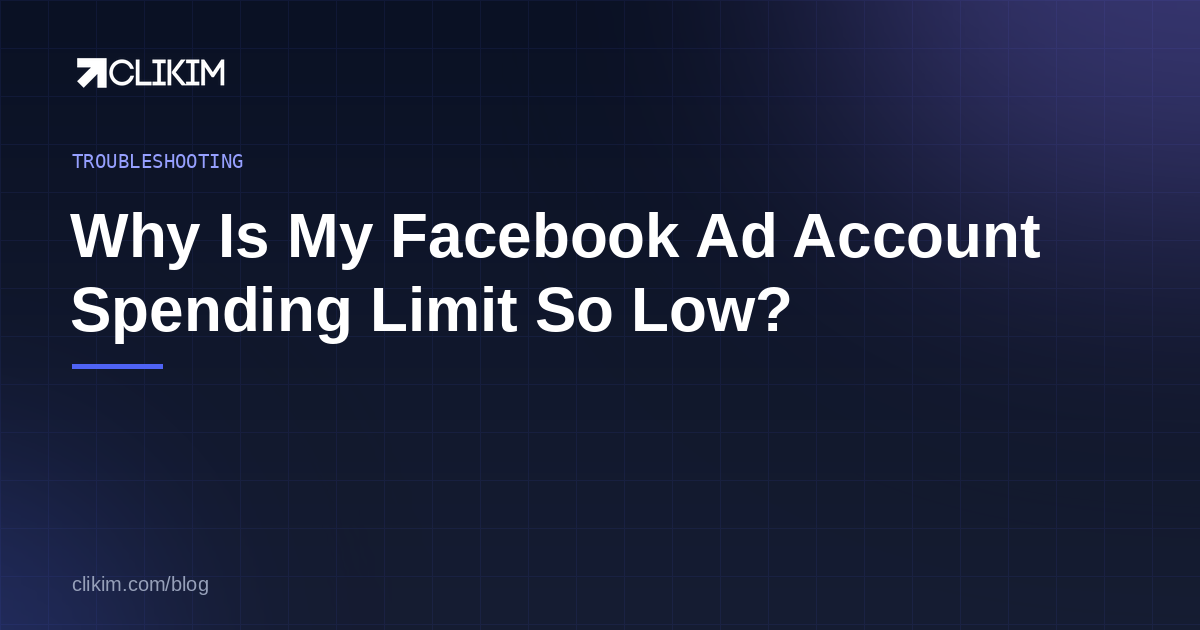
A low Facebook spending limit is one of two things: the account spending limit you set in Payment settings (raise or remove it there), or the daily spending limit Meta sets on new and low-trust accounts — often around $250/day — which you can't switch off and which only rises as the account earns trust. Managed whitelisted infrastructure has no preset cap at all.
Why your spending limit is low
There are actually two different limits people mix up, and the fix depends on which one is biting you. Sort that out first and the rest is easy.
- The account spending limit you set. This is an optional cap you (or someone on your team) placed in Payment settings. If ads paused the moment spend hit a round number, this is usually the culprit — and it's the easiest to fix.
- The daily spending limit Meta sets. New and low-trust accounts are throttled by Meta to a low daily ceiling — often around $250/day — regardless of your budget. Meta explains this in About daily spending limits set by Meta. This one you don't set, and you can't just switch off.
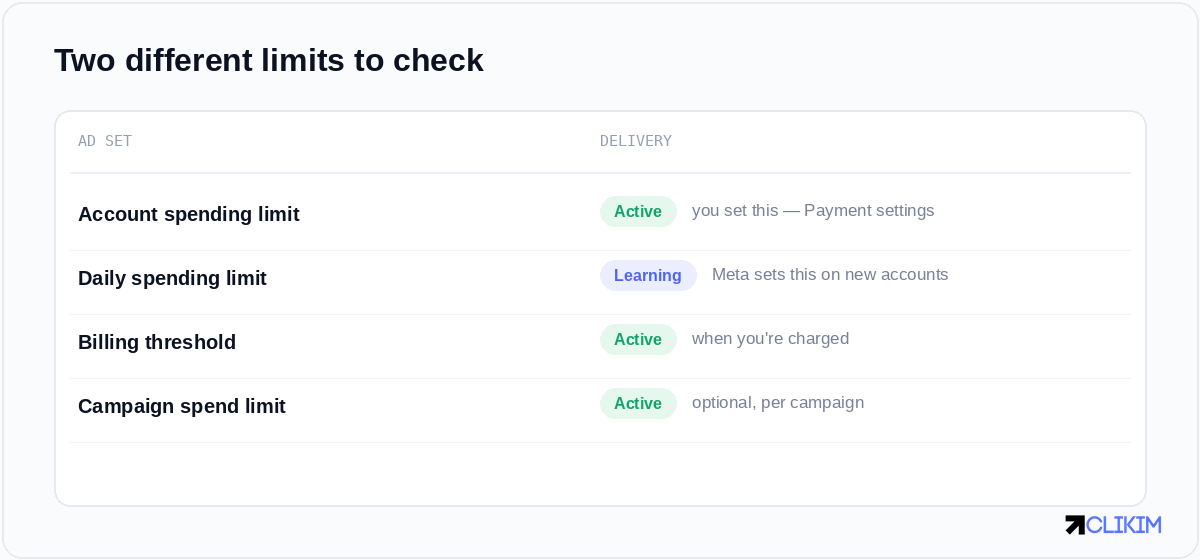
Two limits, two fixes: the account spending limit is yours to change; the daily limit is Meta's to lift over time.
Where to find your limit
Open Billing & payment settings on the ad account. Your account spending limit (the one you control) lives there, with the amount spent against it. If there's a cap set and it's been reached, ads pause until you raise or reset it. If there's no cap there but you're still throttled, you're hitting Meta's daily limit instead.
How to increase it
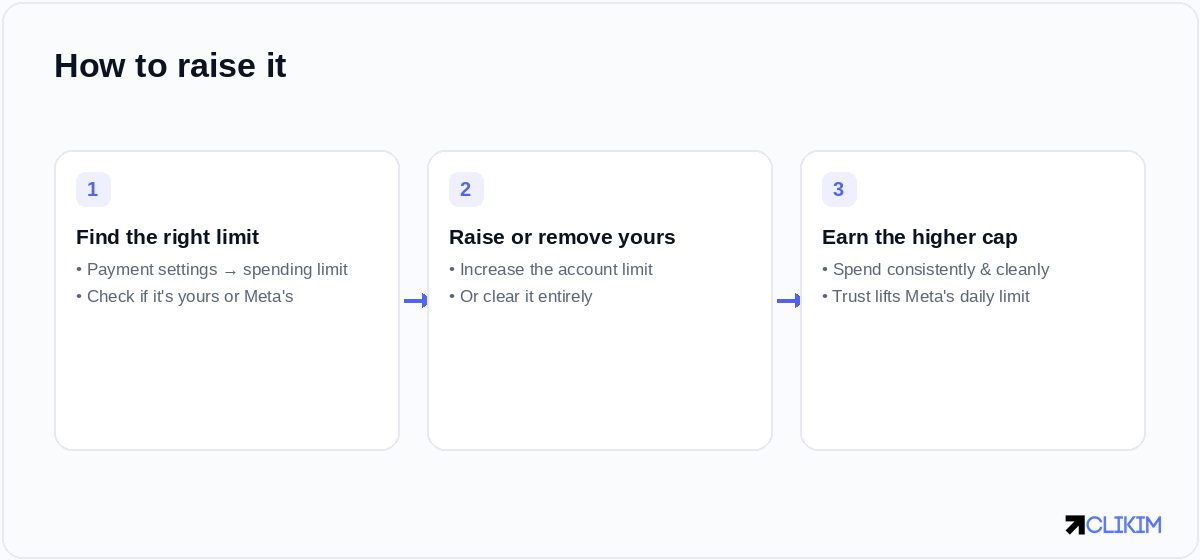
Find which limit applies, change the one you control, and earn the one you don't through consistent, clean spend.
- Raise or remove the account spending limit you set. In Payment settings, increase the figure or clear it. Meta's own guide covers the steps in changing your ad account spending limit.
- For Meta's daily limit, build trust. There's no button for this one. Spend consistently, stay compliant, keep your payments stable, and the daily ceiling tends to rise over time as the account proves itself.
- Check it isn't a delivery problem in disguise. If ads aren't spending and there's no limit reached, the cause may be elsewhere entirely — work through why Facebook ads don't spend.
If your account is on manual payments, you can't set an account spending limit at all — so a low ceiling there is almost always Meta's daily limit, not one you placed.
Why it stays stubbornly low
Here's the part nobody likes: on a fresh or low-trust account, Meta's daily limit can sit low for weeks no matter how well your ads perform. Trust is earned slowly, and a single hiccup — a payment failure, a policy flag — can reset the clock. For advertisers trying to scale now, "wait and behave" isn't a strategy.
The way around the ceiling
This is exactly the wall a Facebook agency ad account removes. Because it's issued from an established, high-trust Business Manager, there's no preset spend cap to grind past — you scale at the pace your results justify, not the pace Meta's trust curve allows. If you're weighing it up, here's how to get one.
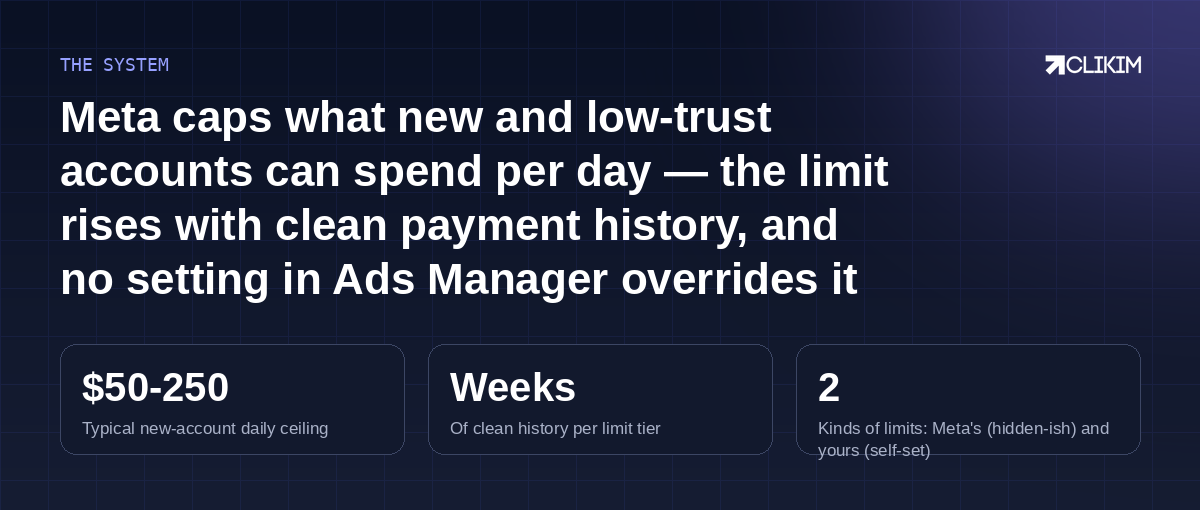
The agency-account shortcut: no preset cap to earn your way past, set up in about an hour.
Frequently asked questions
Why is my Facebook ad account spending limit so low?+
How do I increase my Facebook spending limit?+
What is the $250 a day Facebook limit?+
Where do I find my ad account spending limit?+
Why won't my spending limit increase even though I spend a lot?+
How do I avoid the spending limit entirely?+
Done grinding past a $250 ceiling?
Whitelisted Facebook infrastructure has no preset spend cap — under a BM2500, set up in about an hour, with 0% top-up fees.