
How to Set Up NewsBreak Ads: Signup to Live Campaign
NewsBreak’s self-serve setup is genuinely fast — no contracts, no sales calls, a $10 minimum. The six steps below get you from signup to a live, properly-tracked campaign, with the checks that save week one from silent mistakes.
Six steps: create the advertiser account, install tracking (pixel or S2S postback), define conversion events, build the campaign (objective, geo, budget), upload native-style creative, launch at $10+/day and verify.
Signup is self-serve at NewsBreak’s Ad Manager — no contract, no platform fees, a temporary $10 card authorization. Tracking before traffic is the rule that saves week one: Maximize Conversions bidding is only as smart as the signal you feed it.
Budget reality: the $10/day floor works, but $20–50/day on one consolidated campaign buys a real two-week read.
Step 1: The advertiser account
Signup is self-serve at NewsBreak’s Ad Manager: business details, billing setup, done. Billing runs Autopay (card charged at a threshold or month-end) or Prepay credits; expect a temporary $10 authorization that applies to spend or refunds. No contracts, no platform fees.
Use real business details that match your website — native platforms cross-check advertiser identity against destinations, and mismatches are the cheapest flag to avoid.
Steps 2–3: Tracking before traffic
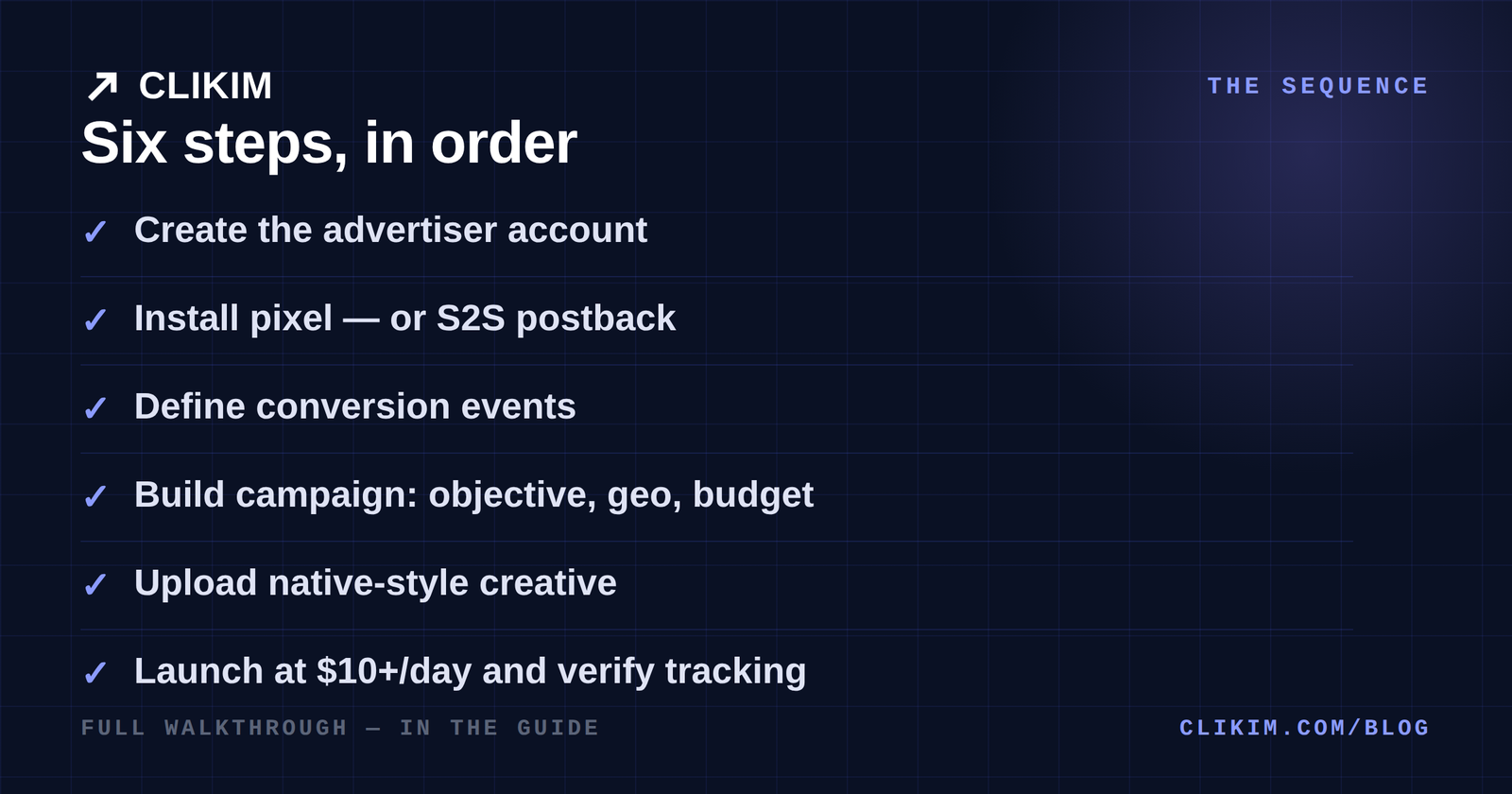
The sequence in order — tracking before traffic, always.
Step 2 — install the tracking layer. Two documented paths:
- The NewsBreak pixel — for funnels you control end to end; standard tag-install on your pages.
- Server-to-server postback — the performance standard: your tracker or network fires conversions back to NewsBreak with the click reference. RedTrack, ClickBank, CPV Lab/One and ClickFlare integrations are documented; a test-click-ID tool validates the wiring before spend.
Step 3 — define conversion events. Decide the money event (lead, purchase, call) and make sure it fires once, verifiably. The platform’s Maximize Conversions bidding optimizes toward whatever you define — garbage events in, garbage optimization out.
Do I need a tracker to run NewsBreak ads?
For simple brand campaigns, the pixel alone works. For lead-gen and affiliate work, a tracker with S2S postback is effectively mandatory — it’s how conversion signal reaches the bidder when the sale closes off your page.
Step 4: Campaign build
- Objective — traffic (CPC/CPM bidding) or conversions (Maximize Conversions / Target CPA where available). Pick conversions only once tracking is verified.
- Geography — national to start if your offer is national; city-level targeting (20,000+ US cities) for local offers or later winner-mining.
- Audience — demographics, interest and contextual (news-category) targeting exist; broad-with-good-creative is the reliable opener, same logic as broad targeting on Meta.
- Budget — $10/day is the floor; $20–50/day on ONE campaign learns faster than five split micro-budgets. Fragmentation kills signal here like everywhere.
Step 5: Creative
Native in-feed is the starting format: an editorial-style headline and a real photograph. Launch 3–5 variants across genuinely different angles — the formulas, image rules and format specs are in the creative guide, and the policy lines that keep them approved are in the policy guide.
Step 6: Launch and verify
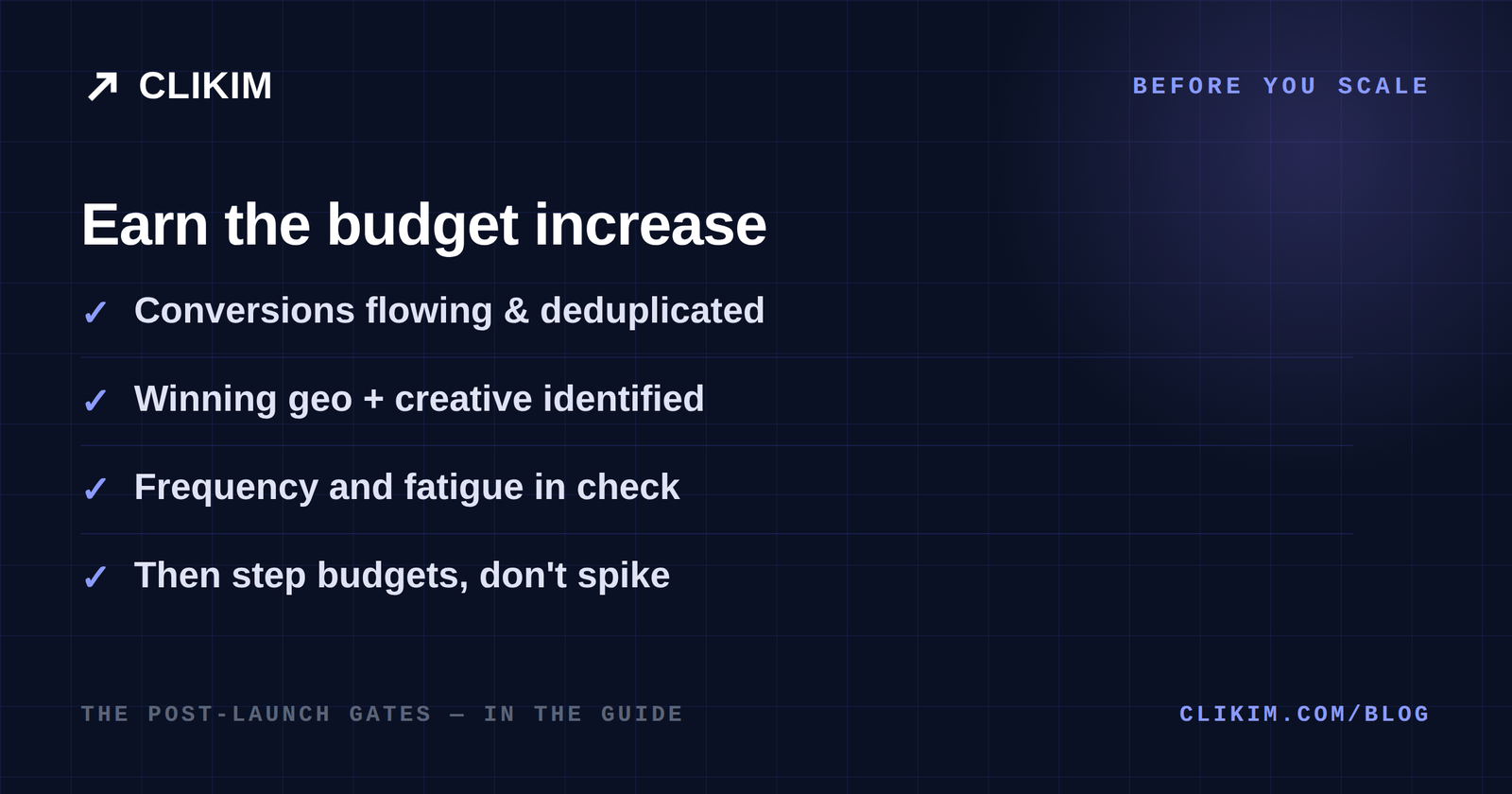
The gates worth respecting before adding budget — signal first, spend second.
The first 48 hours are verification, not optimization:
- Ads approved? Review reportedly runs minutes-to-hours; a stuck ad usually means a policy read — check claims before resubmitting.
- Clicks landing? Confirm tracker sessions roughly match reported clicks; big gaps mean broken links or slow pages.
- Conversions posting? Fire a test conversion and watch it arrive in the platform — before the budget does anything clever.
- Spend pacing? Underdelivery at the floor usually means bids too low for your geo/vertical, not a broken account.
Why is my NewsBreak campaign not spending?
Usually bids below the auction for your vertical/geo, an over-narrow geo slice, or creative stuck in review. Raise the bid or widen the geo one step at a time — and confirm the ad is actually approved before diagnosing anything else.
Week-one troubleshooting
The five problems that fill week-one support threads, with the fix that usually ends each:
| Symptom | Likely cause | Fix |
|---|---|---|
| Ad stuck in review | A claims or landing-page policy read | Recheck against the policy lines before resubmitting — repeat submissions of the same violation escalate |
| Campaign approved but not spending | Bid below the auction for your geo/vertical, or geo sliced too thin | Raise the bid or widen geo one step at a time; confirm approval status first |
| Clicks reported, no tracker sessions | Broken redirect, slow lander, or missing click-ID passthrough | Click your own ad’s path end to end; verify the click ID reaches the tracker |
| Conversions not appearing | Postback misconfigured or event name mismatch | Run the test-click-ID validator again; check the event name matches exactly |
| Unexpected $10 card charge | The temporary authorization | Normal — it applies to spend or refunds, per the billing guide |
After launch: the first month
Week one: verify and leave it alone. Week two: kill clear losers, read city splits, note the winning angle. Weeks three-four: consolidate into what works, step budget 20–30% at a time, and start the weekly creative rotation.
Judge the month on cost per lead against your economics — the budget math is in the cost guide, and the full platform context in the complete guide. When self-serve ceilings, invoicing needs or review friction start costing real money, that’s the cue for managed agency access.
Frequently asked questions
How do I create a NewsBreak advertising account?+
How much does it cost to start NewsBreak ads?+
How do I install the NewsBreak pixel?+
How long does NewsBreak ad approval take?+
What targeting does NewsBreak offer?+
When should I scale a NewsBreak campaign?+
Skip the ceilings when it works
When your NewsBreak test earns real budget, managed agency accounts add funded balances, invoicing and a rep — the scaling lane after self-serve.