
Top 5 Free Tools Every Facebook Media Buyer Should Use
One tool per money-losing gap: competitive research, pixel truth, landing speed, creative QA, account health. All free, two of them criminally underused.
The stack: (1) Meta Ad Library — every competitor's active ads; read longevity (90+ days = proven winner) as a free P&L; (2) Pixel Helper — walk your funnel pre-launch, watch events fire once each; (3) PageSpeed Insights — mobile landing speed under ~3s on 4G or CVR bleeds; (4) Creative Hub mockups — per-placement previews catch crops and safe-zone fails; (5) Account Quality — the 2-minute weekly check (rejections, feedback scores, flags) that predicts account problems while they're still fixable. Twenty minutes across all five before every launch.
The stack, and why these five
Paid tools earn their keep at scale, but the free layer covers more of the workflow than most buyers realize — and two of the five are chronically underused despite being platform-native. The selection logic: one tool per job that actually loses money when skipped — competitive research, pixel truth, landing speed, creative QA, and account health.
Together they cover research, signal, speed, creative QA and account health — the full pre-spend checklist, free.
The two underused ones
Ad Library (#1) is a complete competitive-intelligence product hiding behind a transparency feature: search any brand, filter to active ads, and read longevity — an ad still running after 90 days is paying for itself, which makes it the closest thing Meta publishes to a competitor's P&L. Study structures, hooks and offers from proven winners instead of guessing (the paid-tool upgrades to this workflow are in our spy tools guide — but the free tier is Ad Library plus discipline). Account Quality (#5) is the ban-prediction dashboard almost nobody opens: rejections, Page feedback scores, restrictions and appeal status in one place. The two-minute weekly skim catches every "sudden" account problem while it's still an event instead of a pattern.
The pre-launch ritual that uses all five
Before any campaign goes live: Ad Library — ten minutes on the three nearest competitors; what's survived 60+ days, what hooks repeat? Pixel Helper — walk your funnel, watch events fire once each, correct values attached. PageSpeed — mobile score on the exact landing URL; fix images and scripts if 4G load exceeds ~3 seconds. Creative mockups — preview each placement; check safe zones and text crops. Account Quality — confirm nothing is pending or flagged before you add spend to the account. Twenty minutes total, and it front-runs the five most common ways launches die. The tools are free; the discipline is the product.
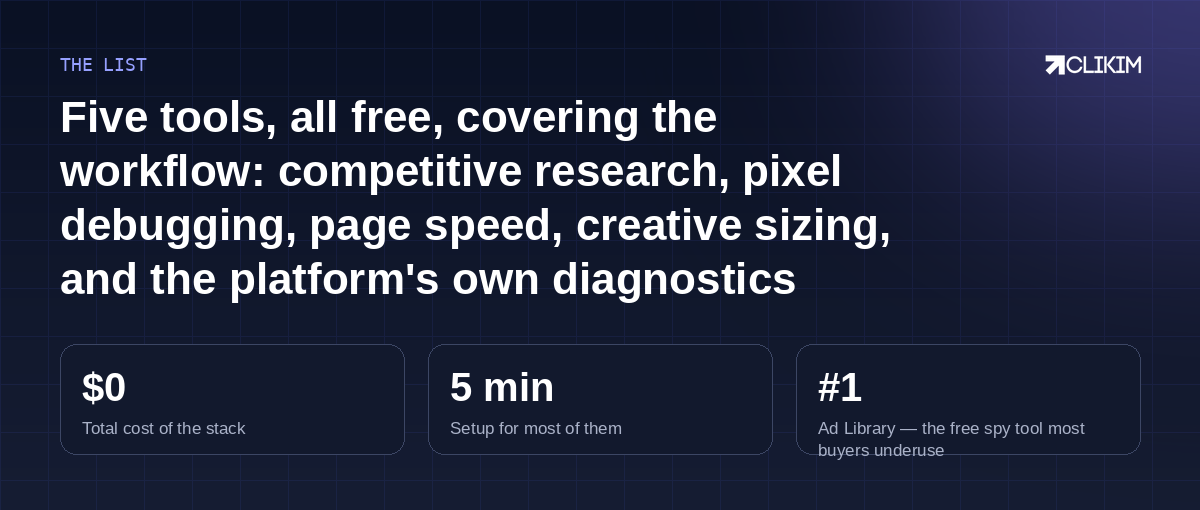
Research, signal, speed, QA, health — a complete pre-spend checklist for exactly zero dollars.
Frequently asked questions
How do I find competitors' ads in the Ad Library?+
What does it mean if my pixel fires twice?+
What's a good PageSpeed score for ad landing pages?+
Where is the Account Quality dashboard?+
Are free tools enough or do I need paid spy tools?+
Any free tool for TikTok equivalent to these?+
Free tools, serious rails
Whitelisted infrastructure — match the professional workflow with professional infrastructure.