
Business Manager vs Ads Manager: What's the Difference?
They're the two most-confused tools in the Meta ecosystem — and they do genuinely different jobs. Here's the clear split: what each does, what lives where, how they work together, how to handle roles and access, and why account ownership matters most of all.
Business Manager owns and organises your assets; Ads Manager builds and runs your campaigns. Business Manager is the container — it holds your ad accounts, Pages, pixels and people, and controls who has access. Ads Manager is the cockpit you work in to create campaigns, ad sets and ads and read reports, inside an account that Business Manager owns. Set up clean ownership and least-privilege roles in BM first; and remember the account's trust level — the foundation both tools sit on — matters just as much.
• Business Manager owns and organises your assets; Ads Manager builds and runs campaigns. • Business Manager = the filing cabinet / org chart; Ads Manager = the cockpit you fly in. • Assets — Pages, ad accounts, pixels, people — live in Business Manager. • Campaigns, ad sets and ads are built in Ads Manager, inside an account that BM owns. • Set up ownership and roles in BM first — it prevents most access nightmares later. • Grant the least access that does the job; over-granting admin is how businesses lose control. • How your assets are owned (your BM vs an agency's) shapes your stability and what happens if things go wrong.
Why people confuse them
Business Manager and Ads Manager are two of the most-confused tools in the Meta ecosystem, and the confusion is understandable — they're tightly linked, you move between them constantly, and Meta's naming doesn't make the distinction obvious. But they do genuinely different jobs, and understanding the split clears up a surprising amount of "where do I find this" frustration and prevents real mistakes around ownership and access.
The one-sentence version: Business Manager owns and organises your assets; Ads Manager is where you build and run your ads. One is about structure and control — who owns what and who can touch it — and the other is about execution — actually creating campaigns and spending money. Hold that distinction and everything below falls into place.
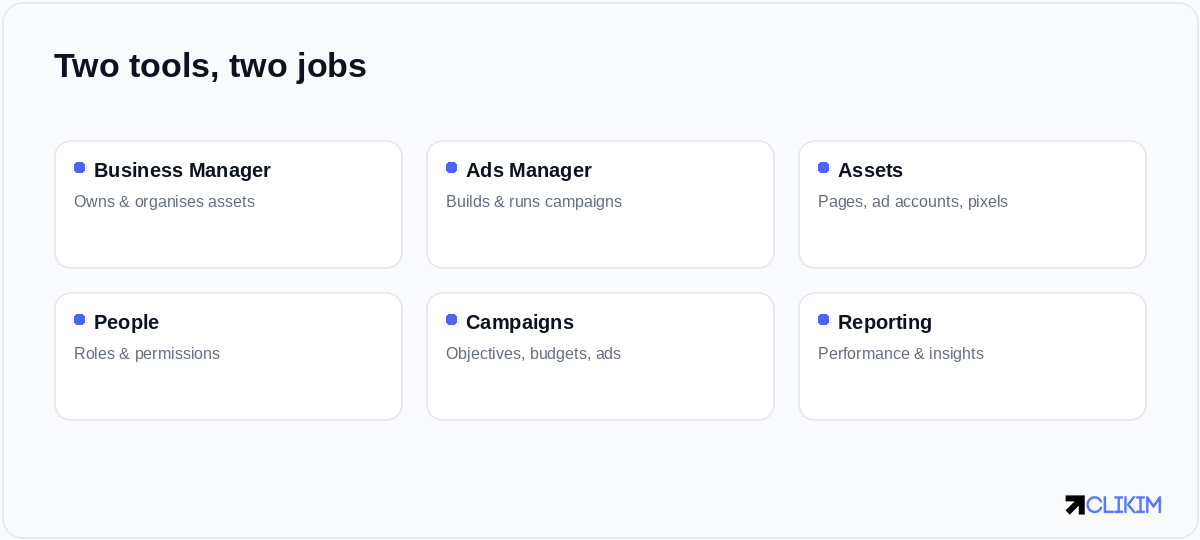
Two tools, two jobs: Business Manager owns and organises assets; Ads Manager builds and runs campaigns.
The core difference
Here's the side-by-side that most people are really looking for.
They're not competitors — Business Manager is the container, Ads Manager is the tool you work in inside it.
A useful analogy: Business Manager is the building and its filing system — it holds your accounts, Pages, pixels and staff, and decides who has keys to what. Ads Manager is the workshop inside where you actually build campaigns. You can't run ads without an ad account (which BM owns), and you don't organise ownership or permissions inside Ads Manager — so they're partners, each handling the half of the job the other doesn't.
What Business Manager does
Business Manager (now part of the broader Meta Business Suite/Settings experience) is the central hub where you own and organise everything. It holds your ad accounts, Pages, Instagram accounts, pixels and catalogs as assets; it's where you add people and assign their roles; and it's where you connect with partners like agencies. Crucially, it's the ownership layer — assets sitting in your Business Manager belong to your business, not to an individual's personal profile.
This ownership role is why every serious advertiser should run through Business Manager rather than a personal ad account. It separates business assets from personal profiles, lets you grant and revoke access cleanly as staff and agencies come and go, and gives you a single place to manage control. The day an employee leaves or an agency relationship ends, a properly set-up Business Manager is the difference between a clean handover and losing access to your own accounts.
Business Manager is where ownership and access live — getting this right prevents the access nightmares that sink accounts.
What Ads Manager does
Ads Manager is the tool you actually work in day to day. It's where you create campaigns, choose objectives, define ad sets (audiences, budgets, placements), build ads, and — just as importantly — monitor performance and pull reports. If Business Manager is about who owns what, Ads Manager is about what those assets are doing: what's spending, what's converting, what to scale and what to cut.
Everything in Ads Manager happens inside an ad account that Business Manager owns. You pick which account you're working in, then build and manage campaigns there. This is where the three-level structure — campaign, ad set, ad — covered in our account structure guide lives, and where you'll spend the vast majority of your hands-on time as an advertiser.
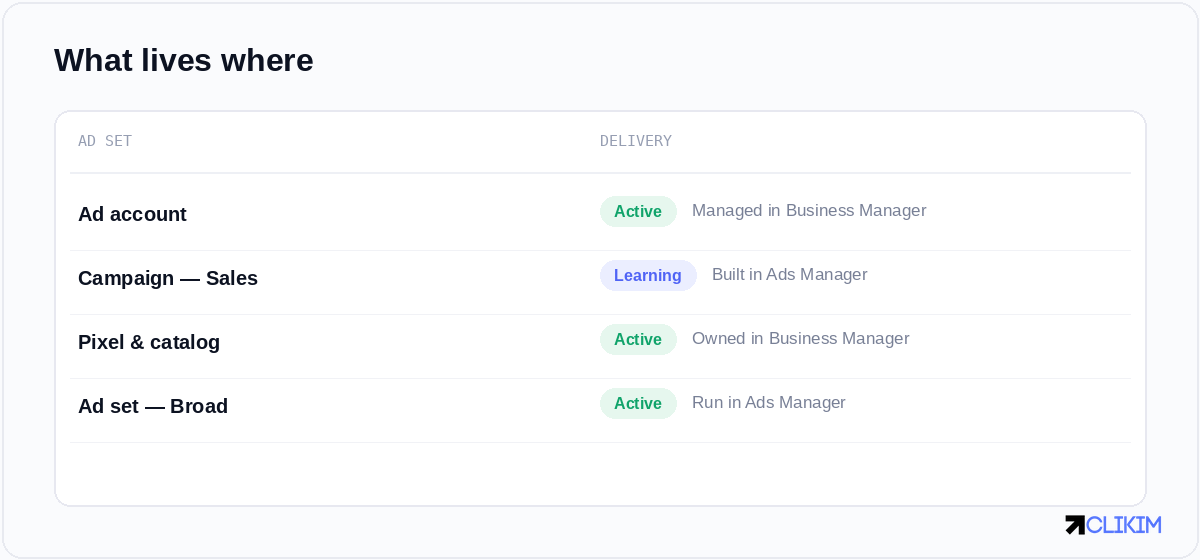
Assets like accounts, pixels and Pages live in Business Manager; the campaigns and ad sets run in Ads Manager.
How they work together
The two tools form a simple hierarchy. Business Manager sits on top as the container; inside it live your ad accounts; and Ads Manager is how you operate within a given account. A typical flow: you set up your Business Manager, add or claim your ad account and Page, set up your pixel, and assign access — all in BM — and then you head into Ads Manager to actually build and launch campaigns in that account.
You'll bounce between them, but for different reasons. You open Business Manager when something about ownership, access or assets needs attention — adding a teammate, connecting a new Page, granting an agency access. You live in Ads Manager for the work — launching, optimising and reporting. Knowing which tool owns which job means you stop hunting in the wrong place.
Roles and permissions done right
One of Business Manager's most important and most-neglected jobs is access control. Getting this right early prevents a category of painful problems later.
Grant the least access that does the job — over-granting admin is how businesses lose control of their own assets.
The golden rule is least privilege: give each person or partner the minimum access they need to do their job, and reserve full business-admin rights for actual owners. Over-granting admin — handing a freelancer or agency full control "to keep things simple" — is exactly how businesses end up locked out of their own Pages and accounts when a relationship sours. Assign asset-level roles where you can, use partner access for agencies, and review permissions periodically.
Setting up correctly from the start
The single most valuable thing you can do is establish clean ownership at the outset: create your own Business Manager, own your ad account and Page within it, and add others to your structure rather than building your business inside someone else's. So many access nightmares — lost Pages, inaccessible pixels, agencies holding assets hostage — trace back to a messy initial setup where ownership was never clearly established.
If your assets are currently tangled (a Page on a personal profile, an account owned by a former contractor), untangling them into a clean, self-owned Business Manager is unglamorous but high-value work. It's the foundation everything else sits on, and it's far easier to fix now than during a crisis when you suddenly need access you don't have.
Who owns your account matters most
This is where the Business Manager question connects to something bigger than tool navigation. The deepest version of "who owns what" is the ad account itself — and there's a meaningful difference between a self-serve account you created and a high-trust account provided through an agency relationship. The tools (BM and Ads Manager) work the same either way, but the ownership model shapes your stability, your spend limits, and your options when something goes wrong.
On a self-serve account, you're on your own with Meta's automated systems, a $250/day cap until you earn trust, and the self-serve appeal queue if you're restricted. A high-trust agency ad account changes that ownership model — more trust, no preset cap, and a dedicated rep — while you still organise and operate it through the same Business Manager and Ads Manager you already know.
The new-account limits people hit
A practical wrinkle that catches new advertisers off guard: a brand-new Business Manager doesn't get unlimited assets. Fresh Business Managers are typically limited to a small number of ad accounts (often just one or two to start), can't immediately add many people, and unlock more capacity only as the business establishes trust over time. So the mental model of "I'll spin up several ad accounts to organise my work" runs straight into a wall on a new BM.
This is the same trust curve that governs spending limits and restrictions, applied to your organisational capacity. It means a growing business often finds its own Business Manager can't hold as many accounts as it wants, exactly when it's ready to expand — and that earning more capacity is a slow, opaque process. Knowing this in advance helps you plan asset organisation realistically rather than assuming you can carve up your advertising into as many accounts as you like from day one.
Common Business Manager mistakes
Most Business Manager pain comes from a few avoidable errors. The biggest is building your business inside someone else's BM — an agency's or a contractor's — so you never truly own your assets and can be cut off when the relationship ends. Close behind is the opposite of least privilege: handing out full admin access casually, which means anyone who leaves on bad terms can lock you out or take a Page with them. Then there's leaving a critical Page on a personal profile, outside any Business Manager at all.
The fix for all of them is the same discipline: own your assets in your own Business Manager, grant the least access that does the job, and keep ownership clearly with the business rather than with individuals. None of this is technically hard — it's just easy to neglect until the day it matters, at which point it's suddenly the only thing that matters. A clean BM is cheap insurance against an expensive crisis.
Same tools, different foundation
The takeaway: Business Manager and Ads Manager are how you organise and run advertising, but they sit on a foundation — the ad account and its trust level — that matters just as much. You'll use these two tools regardless; the question is what kind of account they're operating, because that's what determines your headroom and resilience.
For advertisers who've outgrown the limits and fragility of a fresh self-serve account, running a high-trust agency account through your own clean Business Manager is the best of both: familiar tools, proper ownership, and a foundation built for stability and scale rather than one you have to nurse through Meta's trust curve. Master the tools, then make sure they're sitting on solid ground.
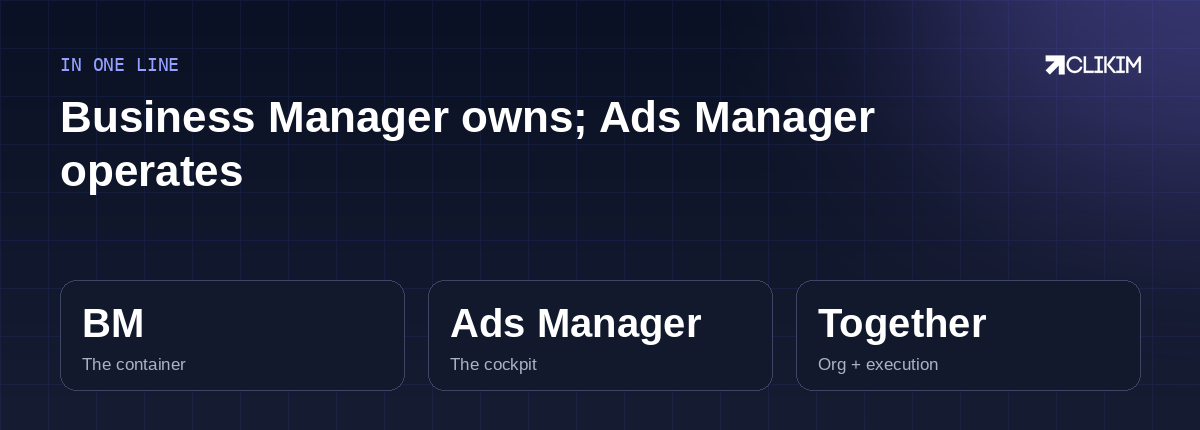
Business Manager owns, Ads Manager operates — but both sit on an account whose trust level decides your headroom.
Events Manager diagnostics — which warnings matter in the third Manager.
Frequently asked questions
What's the difference between Business Manager and Ads Manager?+
Do I need both Business Manager and Ads Manager?+
What lives in Business Manager?+
What do I do in Ads Manager?+
Is Business Manager the same as Business Suite?+
How do Business Manager and Ads Manager work together?+
How should I set up roles and permissions?+
Why is clean ownership setup important?+
Can I run ads without Business Manager?+
Does it matter who owns my ad account?+
Where do I build my campaign structure?+
I'm locked out of my own Page or account — why?+
Master the tools — then put them on solid ground
Business Manager and Ads Manager work the same on any account. Run them on high-trust managed infrastructure with no preset cap and a dedicated rep. Operated on BM2500 infrastructure.