
“We Couldn't Approve Your Ad”: How to Fix a Rejected Facebook Ad
A rejected ad won't spend a cent — but most rejections are one edit away from approved. Here's how to find the exact policy reason, fix the right asset, resubmit or appeal, and stop rejections from piling up against your account.
A Facebook ad is rejected when Meta's review finds the creative, copy or landing page conflicts with its Advertising Standards. To fix it: open Account Quality to see the exact policy and flagged asset, edit that element (image, text or destination), and save to resubmit — or request review to appeal a wrong call. Most single rejections are minor; a recurring pattern is what erodes account trust.
Why your Facebook ad was rejected
A rejection means Meta's review system decided your ad — or the page behind it — crosses one of its Advertising Standards. Review is mostly automated and happens before delivery, which is why a verdict usually lands within a day. The reassuring part: on its own, a rejection is rarely a black mark against your account. It's a note about this ad, and most are one edit away from approved.
One rejection is routine and low-stakes. It's a pattern of them that quietly erodes account trust and nudges you toward restrictions — so fix the cause, don't just relaunch the same ad somewhere else.
Find the exact reason
Don't guess. Open Account Quality, or hover the “Rejected” label in Ads Manager, to see the precise policy cited and which asset tripped it — the image, the primary text, or the destination URL. That citation is your to-do list.
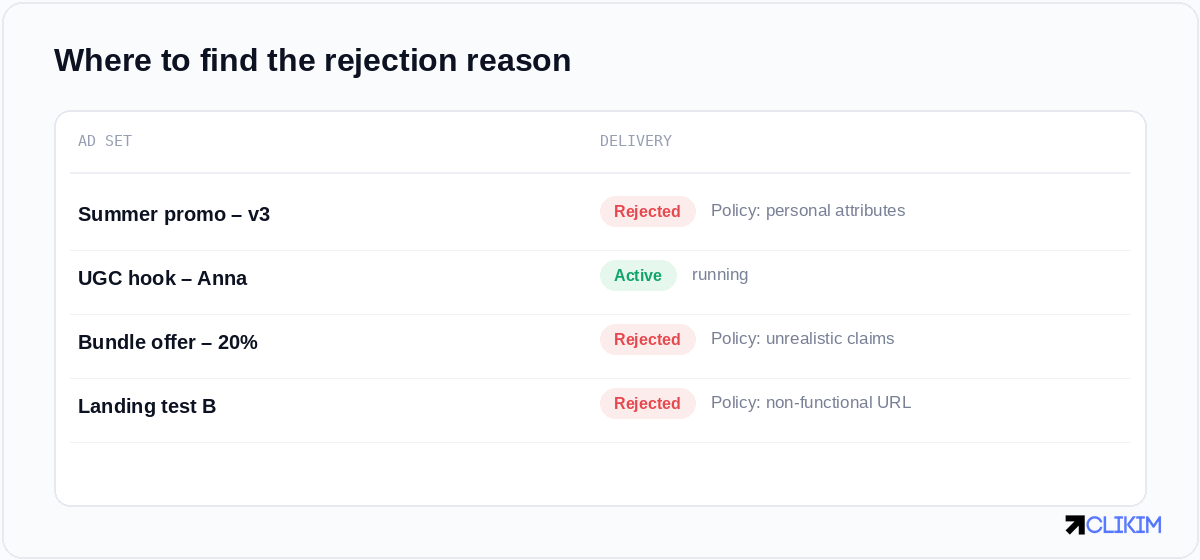
Account Quality names the exact policy behind each rejected ad (illustrative).
The most common rejection reasons
Most disapprovals fall into a handful of buckets. If you recognise yours here, the fix is usually obvious once you know where to look.
- Restricted or prohibited content — supplements, crypto, gambling and adult themes are either banned or gated behind extra permissions.
- Personal attributes — copy that implies you know a user's age, health, race or finances (“Struggling with debt at 50?”). Address a general audience instead.
- Sensational or unrealistic claims — “miracle” language, guaranteed results, dramatic before/after imagery.
- A broken or mismatched landing page — dead links, pages that don't match the ad, or content gated behind a form with no value.
- Engagement bait and low-quality creative — “like and share to win”, walls of overlaid text, misleading play buttons.
- Trademark or brand misuse — using Meta's branding, or a third party's, without authorisation.
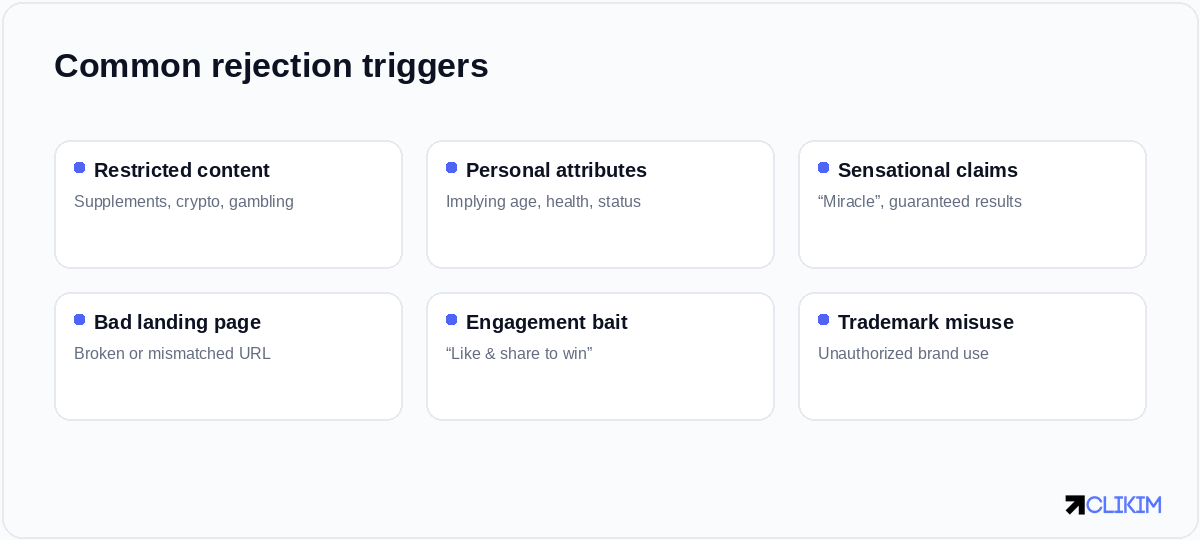
The six triggers behind most Facebook ad rejections — check your creative and landing page against each.
If your category itself is the problem rather than the wording, it's worth reading up on which verticals Meta restricts before you rebuild.
Fix and resubmit
Once you know the cited policy, the repair is quick and you rarely need to start over:
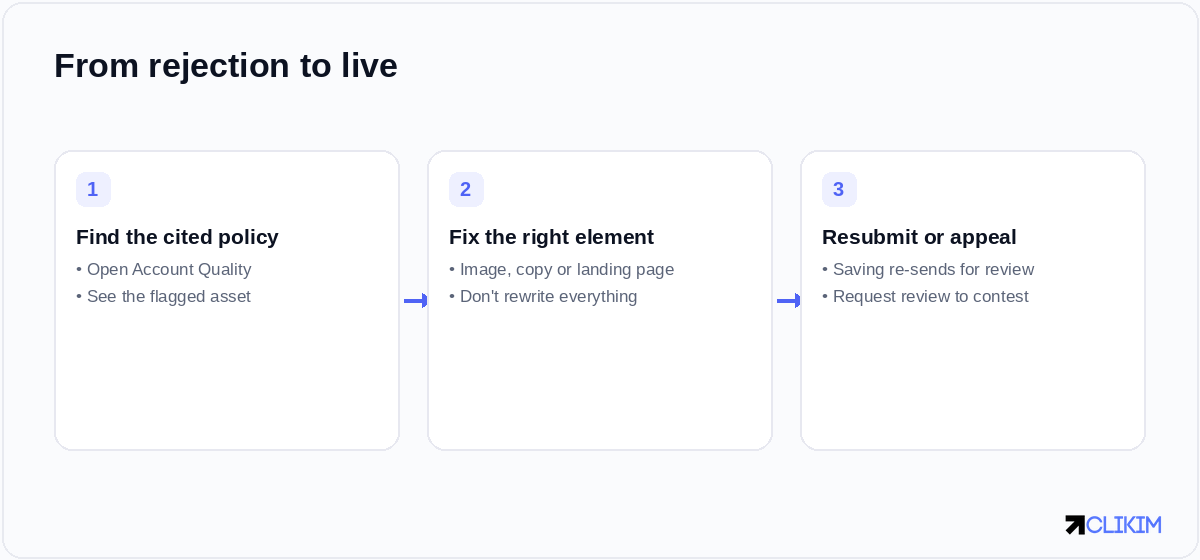
From rejection to live: find the policy, fix the one asset, then resubmit or appeal.
- Read the cited policy and match it to the exact asset flagged — resist rewriting the whole ad.
- Edit that one element — swap the image, soften the claim, fix the URL, or de-personalise the copy.
- Save to resubmit. Saving an edit automatically resends the ad for review; there's no need to rebuild it.
- Appeal if you think it's wrong. Use request review — Meta outlines the flow in About ads in review, and appeals are often seen by a human who can overturn a false positive.
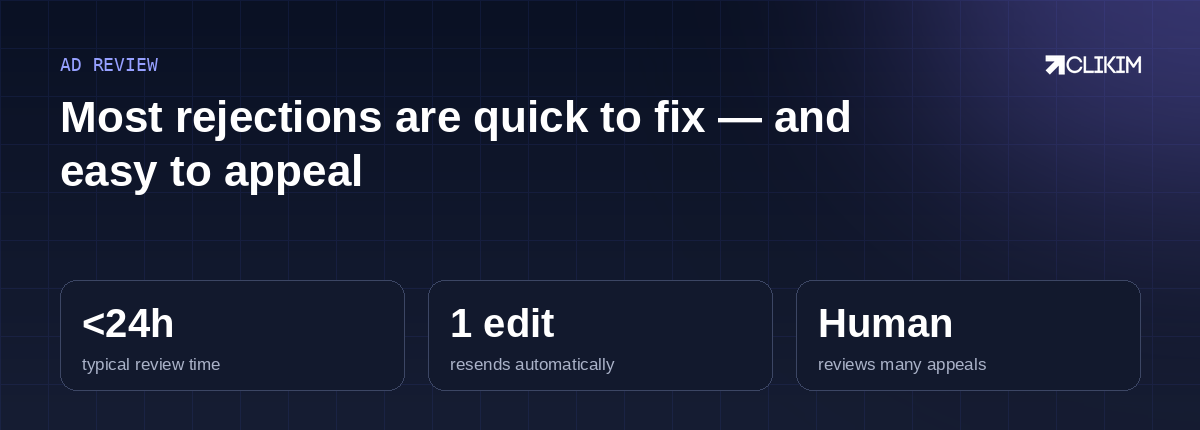
Ad review at a glance — fast to clear, and appeals are often human-reviewed.
When the rejection blocks delivery
A rejected ad spends nothing, so it's one of the first things to rule out when delivery stalls. If the rest of the campaign is healthy, fixing the single ad usually restores spend without resetting the ad set's learning.
When rejections keep happening
The occasional knock-back is part of the job. A steady stream of them is a different signal. When even careful, compliant creative keeps getting bounced, the variable that's left is account trust — and low-trust accounts are both reviewed more harshly and quicker to escalate from a rejection to a restriction. Tightening your creative removes the avoidable rejections; the rest comes down to what you're running on.
This is where an account with higher approval rates earns its keep: it sits inside an established Business Manager, and a rep can escalate a wrongful disapproval directly instead of leaving you at the mercy of the automated reviewer. And if a string of rejections has already tipped into a full account block, that's a different repair — start there.
Frequently asked questions
Why was my Facebook ad rejected?+
How do I fix a rejected Facebook ad?+
How long does it take to review a resubmitted ad?+
Can I appeal a Facebook ad rejection?+
Does a rejected ad hurt my ad account?+
My ad keeps getting rejected even though it follows the rules — why?+
Stop losing ads to wrongful rejections
Whitelisted Facebook infrastructure means higher approval rates and a rep who can escalate a bad disapproval in minutes — so your testing never stalls.